 WINPRO
Automation
WINPRO built on the 1C:Enterprise 8 platform
Learn more
We select and commission equipment together with 1C-based software that links the order, cutting, CNC machines and the shop floor. You get not a set of machines, but a working production plant.
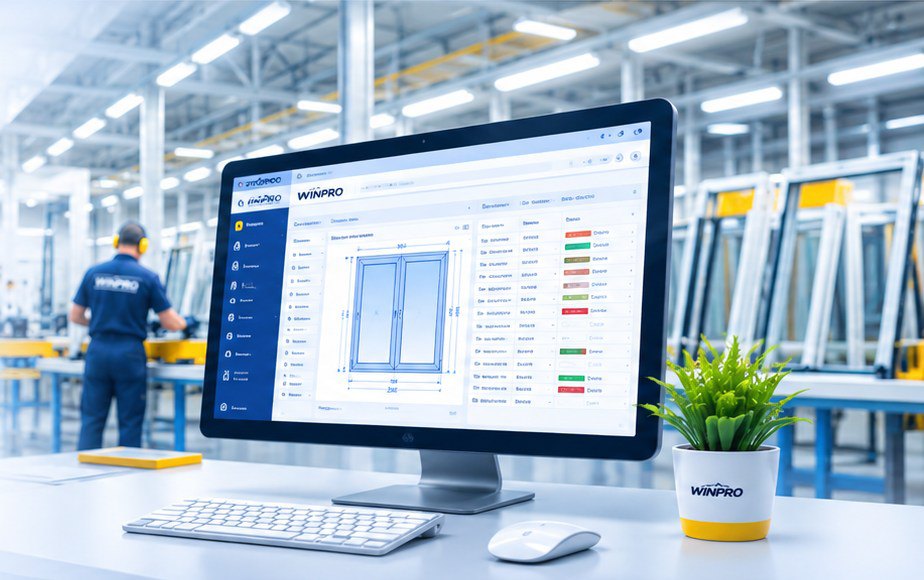
A window is calculated once — then the data flows through the factory on its own: to cutting, to CNC machines, to shop-floor screens and into management reports.
A manager or dealer calculates the window in the software: design, materials, price — in minutes.
The software itself breaks the product down into parts: profile, reinforcement, glass, hardware.
Cutting optimisation across all orders of the shift — less waste, usable offcuts taken into account.
The file goes to the cutting and machining centre and the welding line — no manual input.
Each workstation has a screen with jobs: what to do, in what order, with a "done" mark.
The manager sees the status of every order, workstation load and cost price.
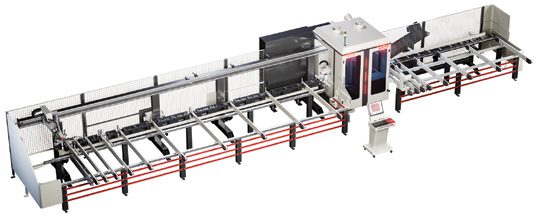
The centre receives the optimal cutting plan and all holes, slots and milling operations from the software. The operator does not enter dimensions manually.
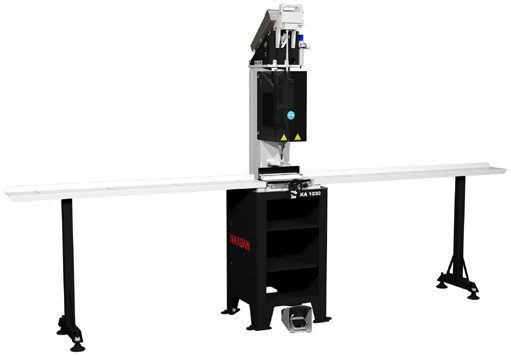
Reinforcement lengths and screw spacing are taken from the same job as the profile.
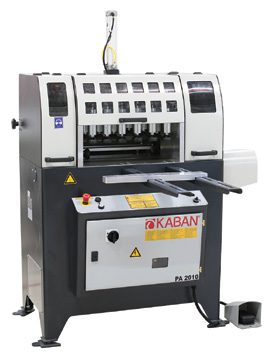
Items with a mullion are already marked in the job — the station sees what to do and in what order.
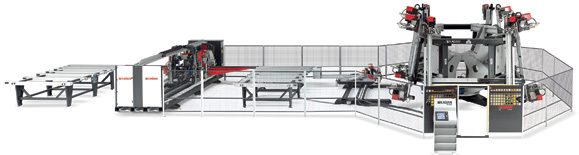
The CNC welding and corner-cleaning centre runs from the program: frame after frame, without manual changeover.
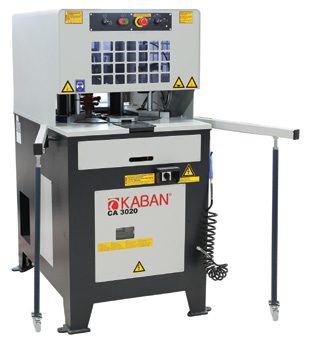
Cleaning programs for the profile system; frames arrive in a continuous flow from welding.
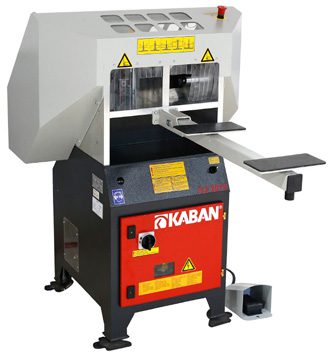
Cutting and kitting per order — the glazing bead and gasket match their own frame.
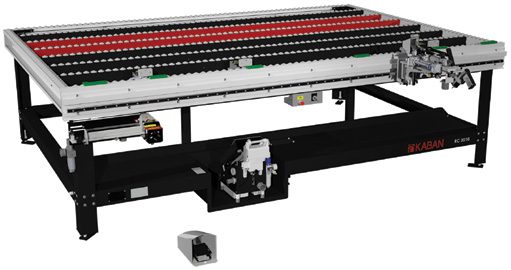
The assembler sees the hardware and the product diagram on screen and marks completion — the order status updates.
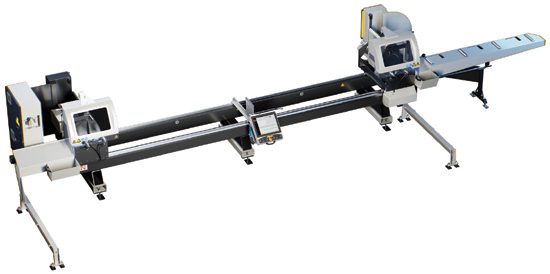 Aluminium cuttingKABAN AC 2050
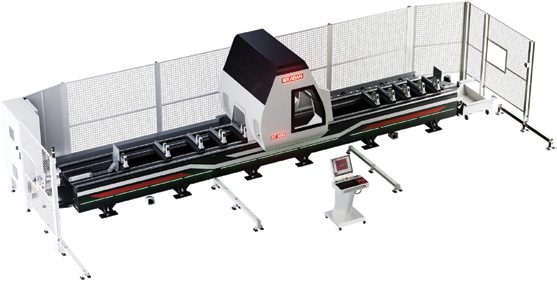 CNC machiningKABAN ZC 3052
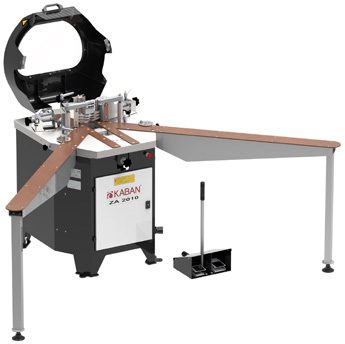 Corner crimpingKABAN ZA 2010
We are judged not by the machines delivered, but by the frames the factory produces every shift. That is why we are responsible for the entire path — from workshop layout to stable operation.
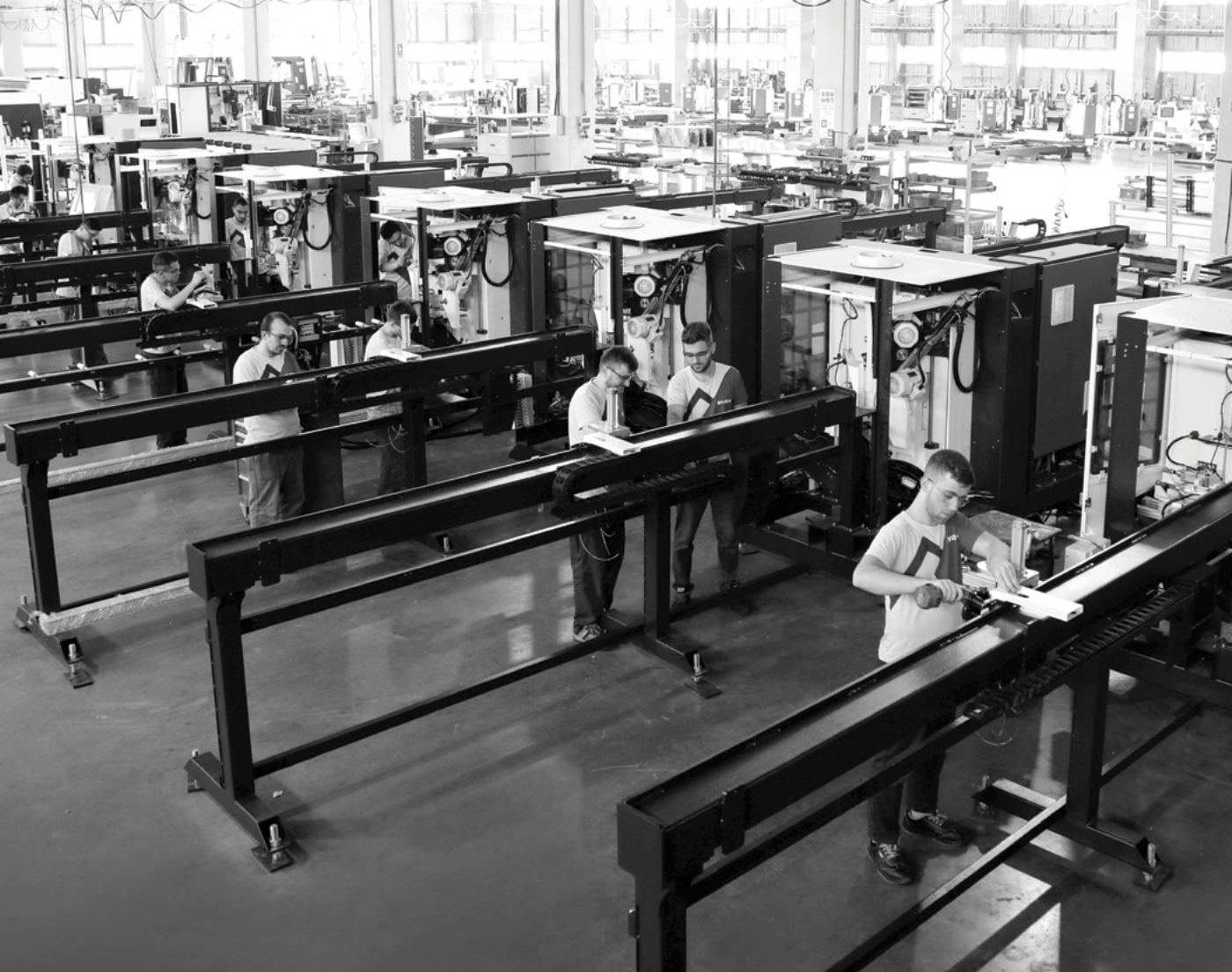
We study your product, volumes and workshop area. We calculate the required capacity — frames per shift.
Layout of stations and profile flow from warehouse to shipment, electrical and pneumatic systems.
We configure a KABAN line to your capacity and budget and ship it from the factory.
We install and connect the equipment and set it up for your profile system.
We implement the 1C-based software: item catalogue, prices, stations. We link it with the machines.
We train operators, technologists and managers. We run the first real orders together with you.
Industrial start-up, service, spare parts and software support.
An order goes from calculation to shipment without re-keying — fewer dimension errors.
Cutting optimisation across all orders and tracking of usable offcuts.
See where every order is and what each workstation is doing — online.
Materials, labour and profit for each window, not a shop-floor average.